SaveMeFiles .
A powerful desktop application for creating, managing, and executing data backup and archiving operations using configurable profiles and block-based file/folder selection.
What is SaveMeFiles?
SaveMeFiles is a powerful desktop application for creating, managing, and executing data backup and archiving operations using configurable profiles and block-based file/folder selection. Built with a tactical, cyber-command aesthetic, it provides a structured workflow for organizing your data into logical blocks and profiles, then synchronizing them to remote or local destinations using the rsync engine.
Core Concepts
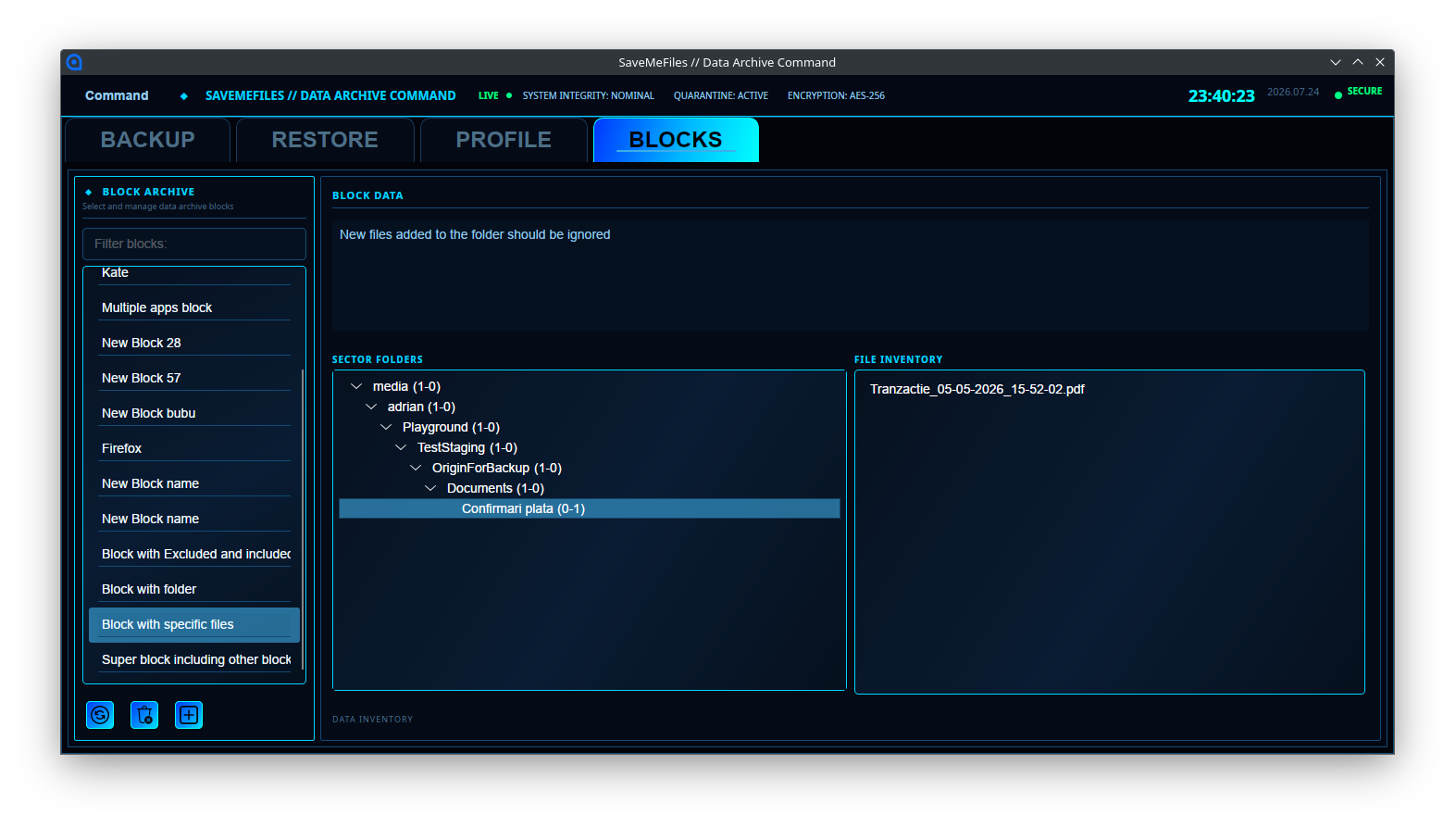
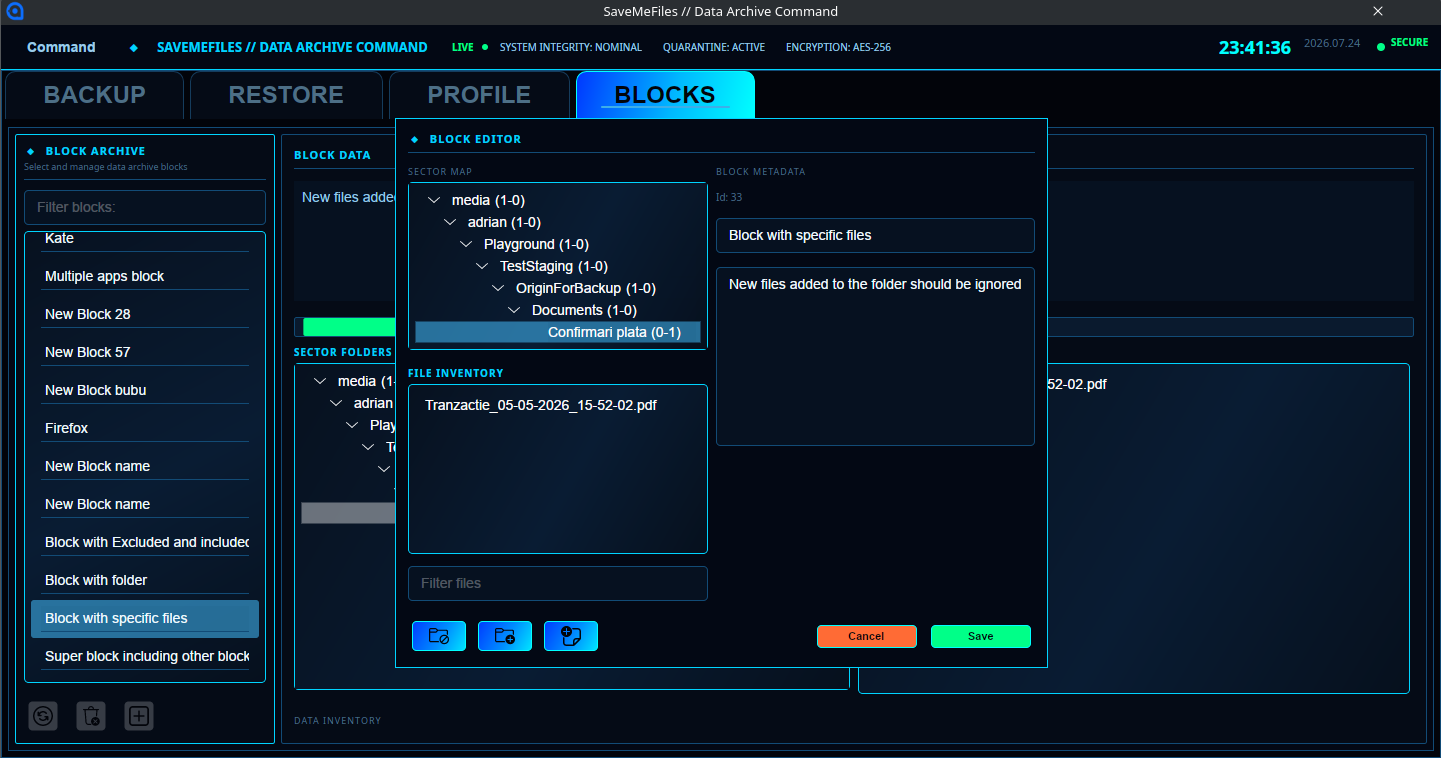
- Blocks — Logical groups of files and folders that you want to protect. Each block contains a name, description, and a hierarchical collection of folders and files that can be included or excluded from operations.
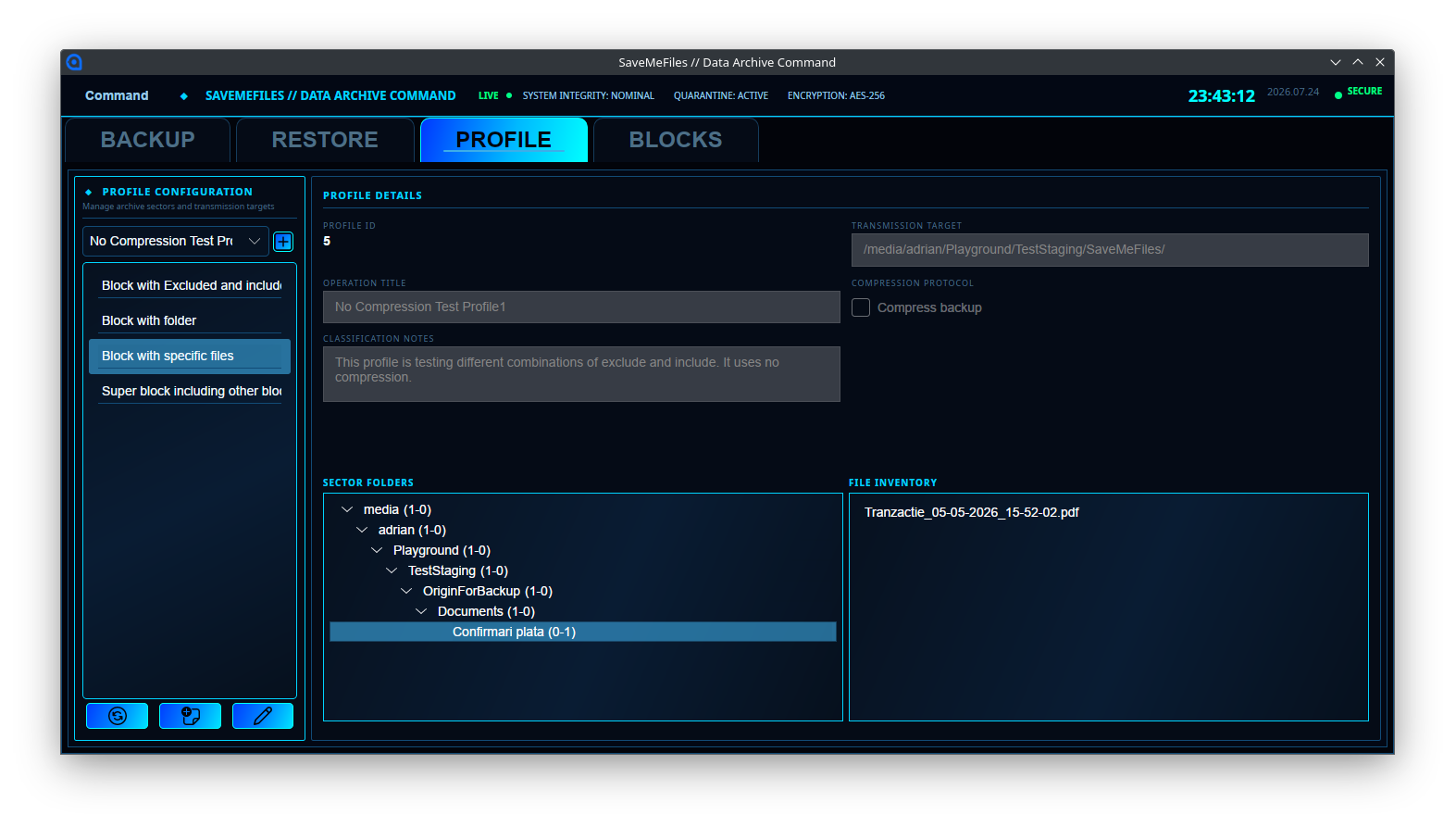
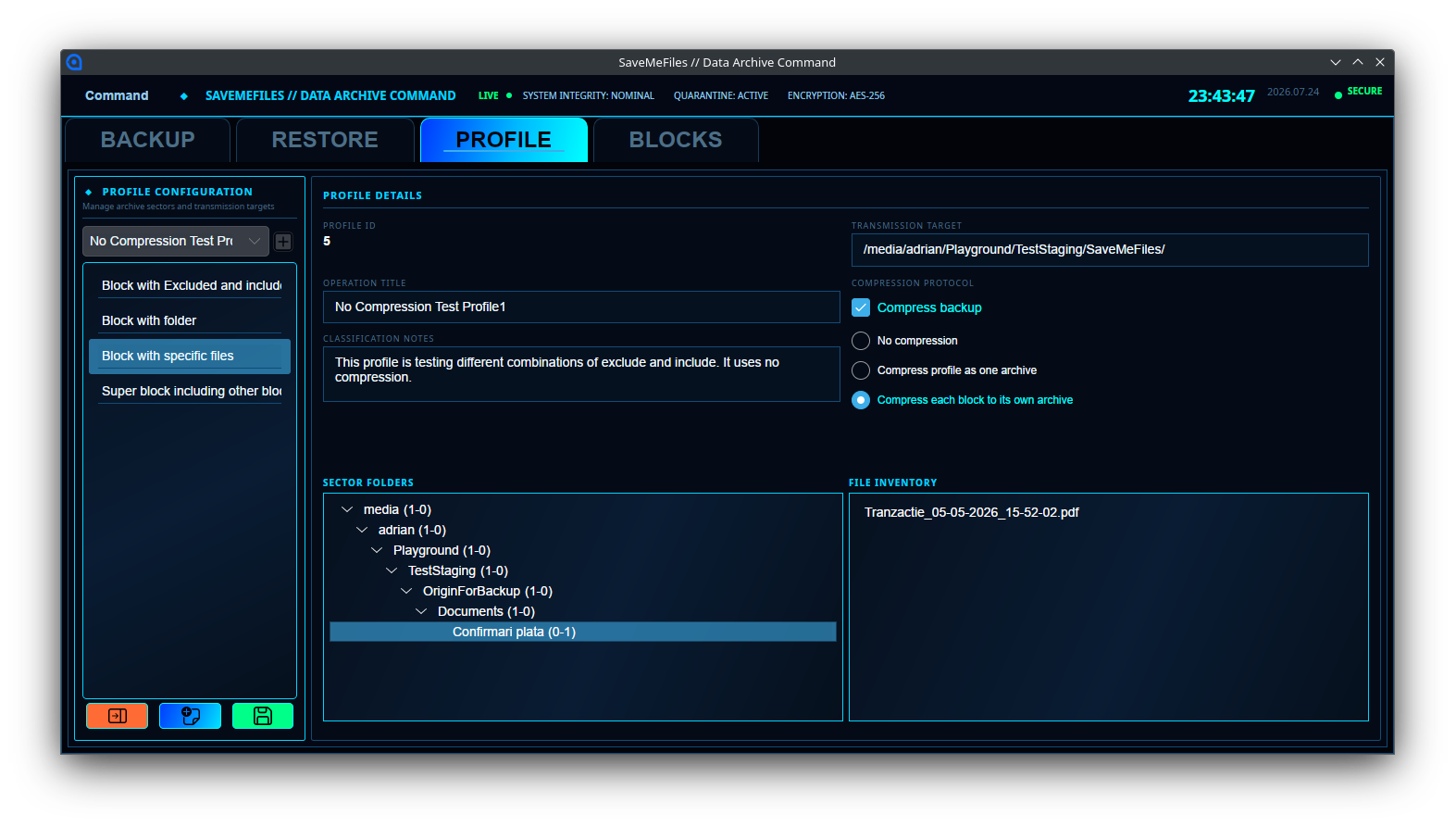
- Profiles — Backup operations that tie everything together. Each profile defines a title, destination path, compression mode, and the collection of blocks to include.
- Compression Modes — None for fastest transfer, Blocks for selective decompression, and Full for maximum space savings in a single archive.
How It Works
- Create your Blocks — Select the files and folders you want to protect.
- Build a Profile — Give your operation a name, set a destination, choose compression, and assign the relevant blocks.
- Execute the Backup — Select your profile and run the backup. The application uses rsync to efficiently synchronize your data.
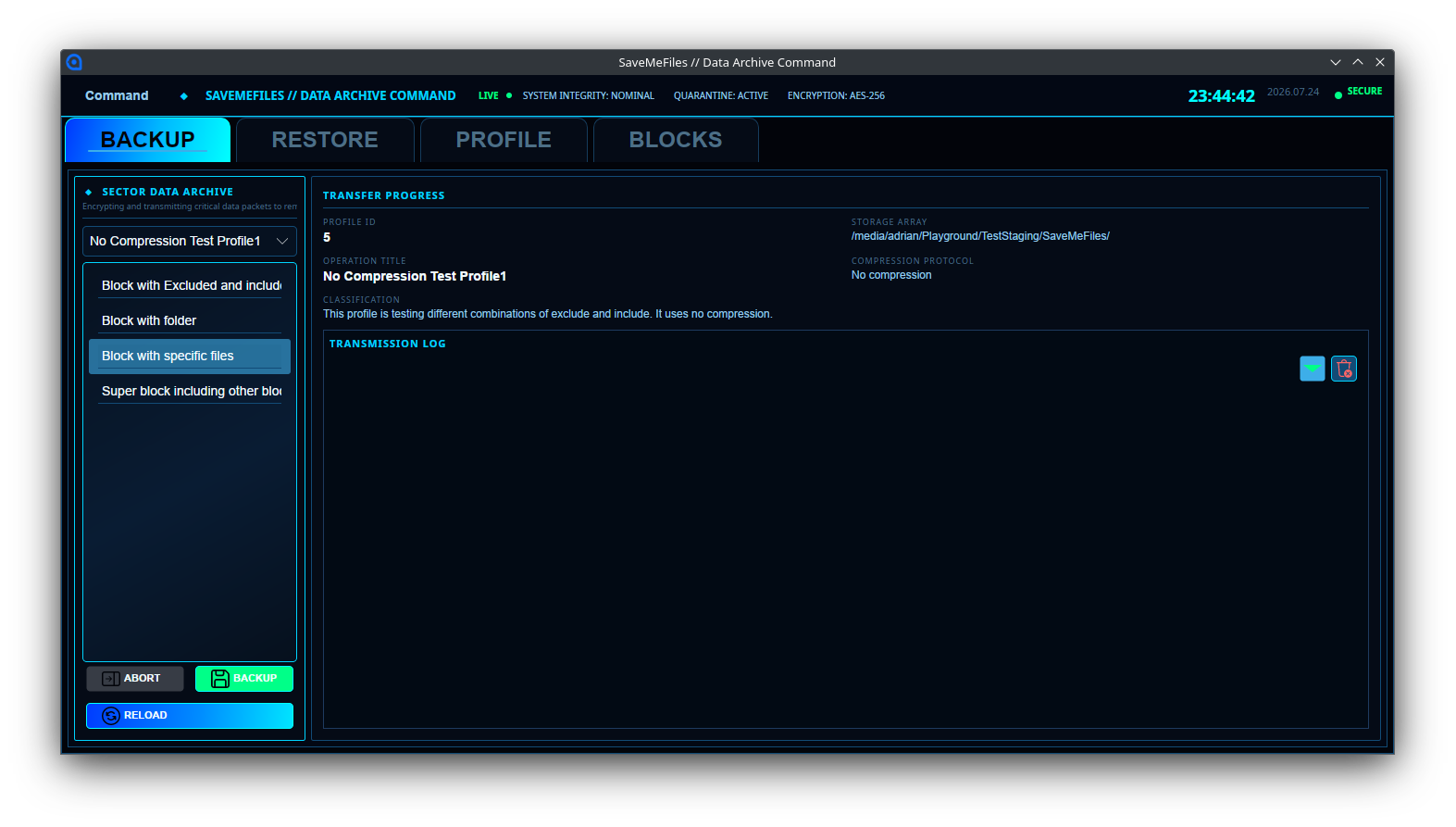
- Monitor Progress — Watch real-time logs showing transfer speed, percentage complete, and estimated time remaining.
Interface
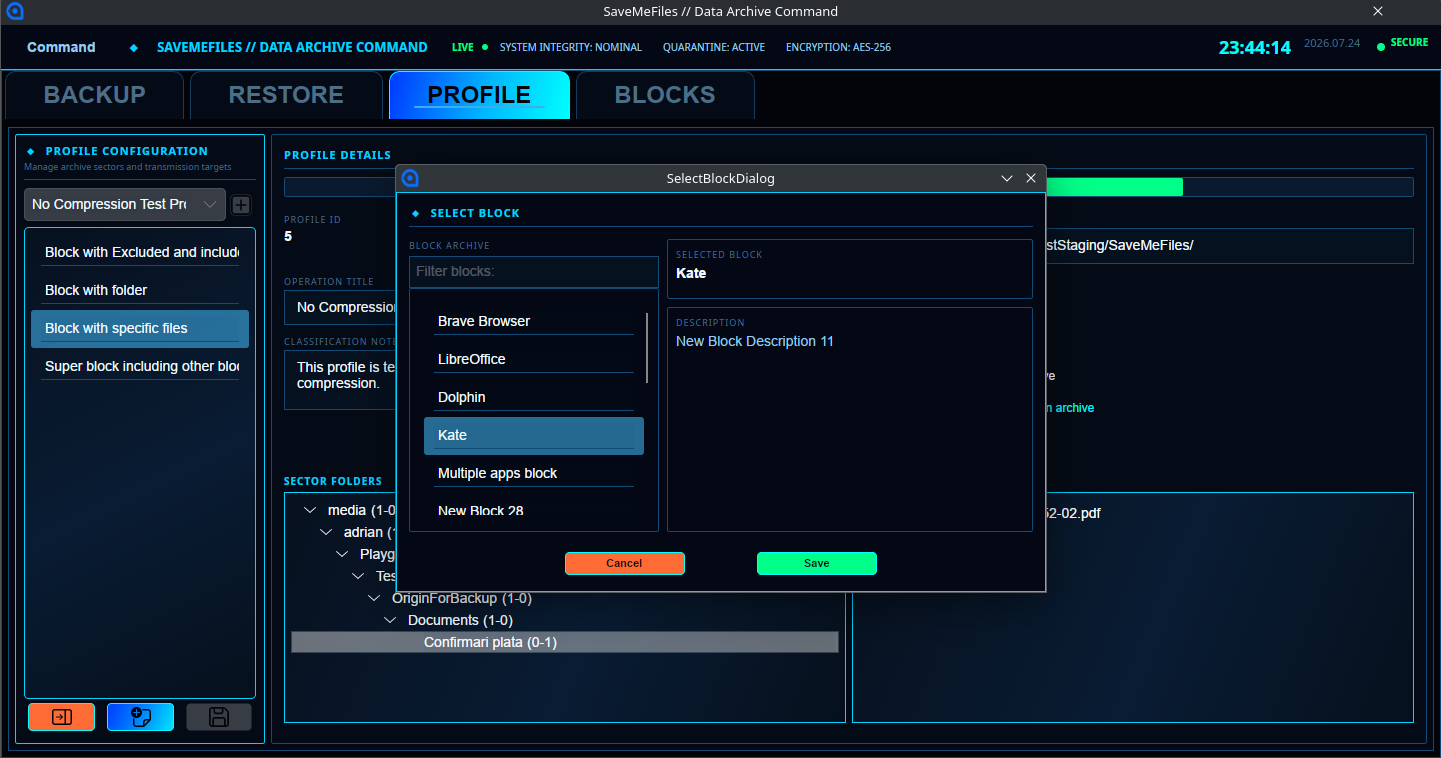
The main window is organized into four tabbed command centers: BACKUP for executing operations and monitoring real-time rsync progress, RESTORE for recovering archived data, PROFILE for creating and editing backup configurations, and BLOCKS for managing your data segments with search and filtering.
Security & Integrity
- Staging area locking prevents concurrent backup operations from interfering with each other.
- Include and exclude lists let you mark sensitive or unnecessary files to be skipped.
- File ownership and permissions are preserved during transfer, including support for --chown.
Features
Configurable Backup Profiles
Block-Based Data Selection
rsync-Powered Transfer
Compression Modes
Real-Time Progress Tracking
Staging Area Locking
Get
Choose the license that fits your needs. The free version is ideal for personal, non-commercial use. A commercial license is required for business or organizational use.
Need a Custom Solution?
SaveMeFiles is one of our software tools. We also build custom solutions tailored to your business needs.
Discuss Your Project